Table of contents
A wearable is the easiest way to feed your OneTwenty dashboard a steady stream of real data: heart rate, sleep, recovery, and daily activity, captured around the clock without you thinking about it.
That value only compounds if the numbers actually arrive. A device that syncs on its own keeps your trends current. One that depends on you typing readings in by hand almost always goes stale within a week. So the first thing to get right is not the feature list, it is how the data reaches your dashboard.
How OneTwenty works
Your devices and labs, one profile.
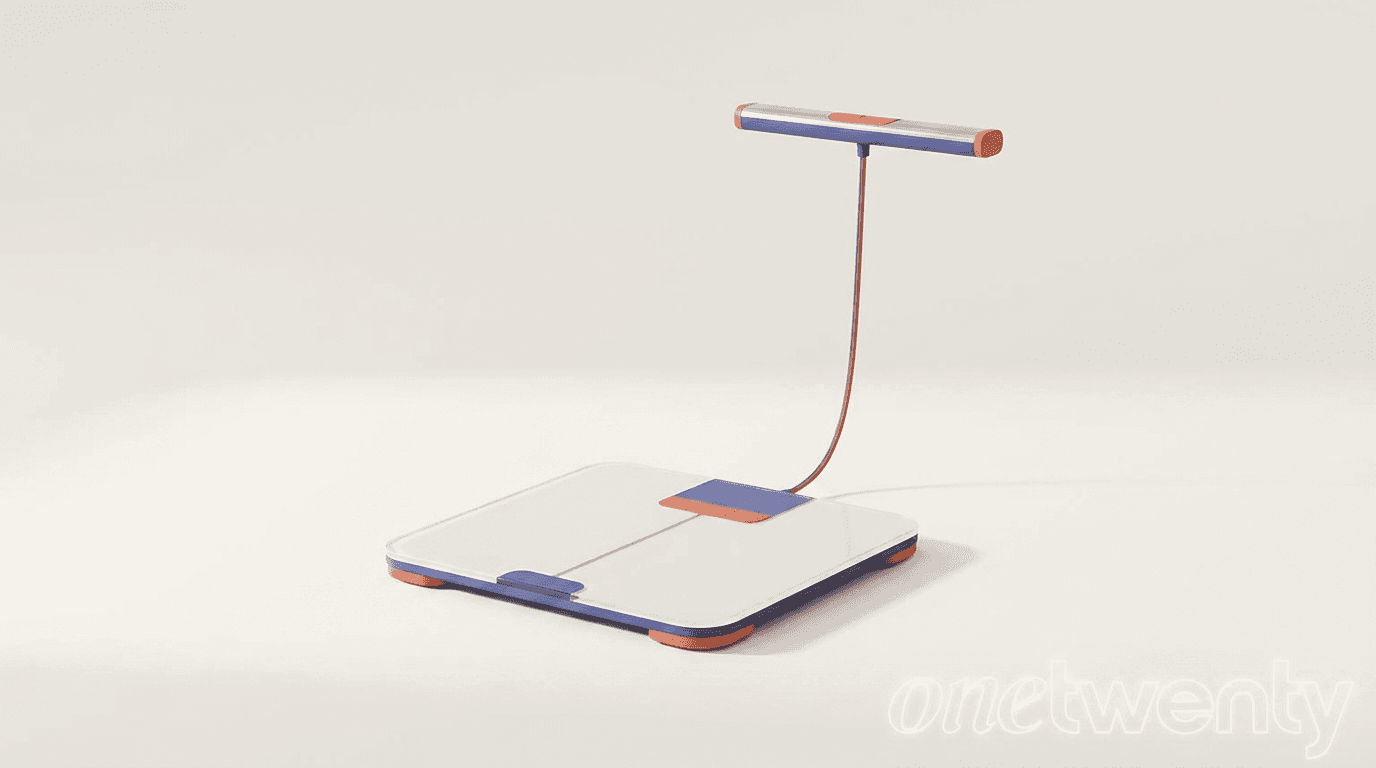
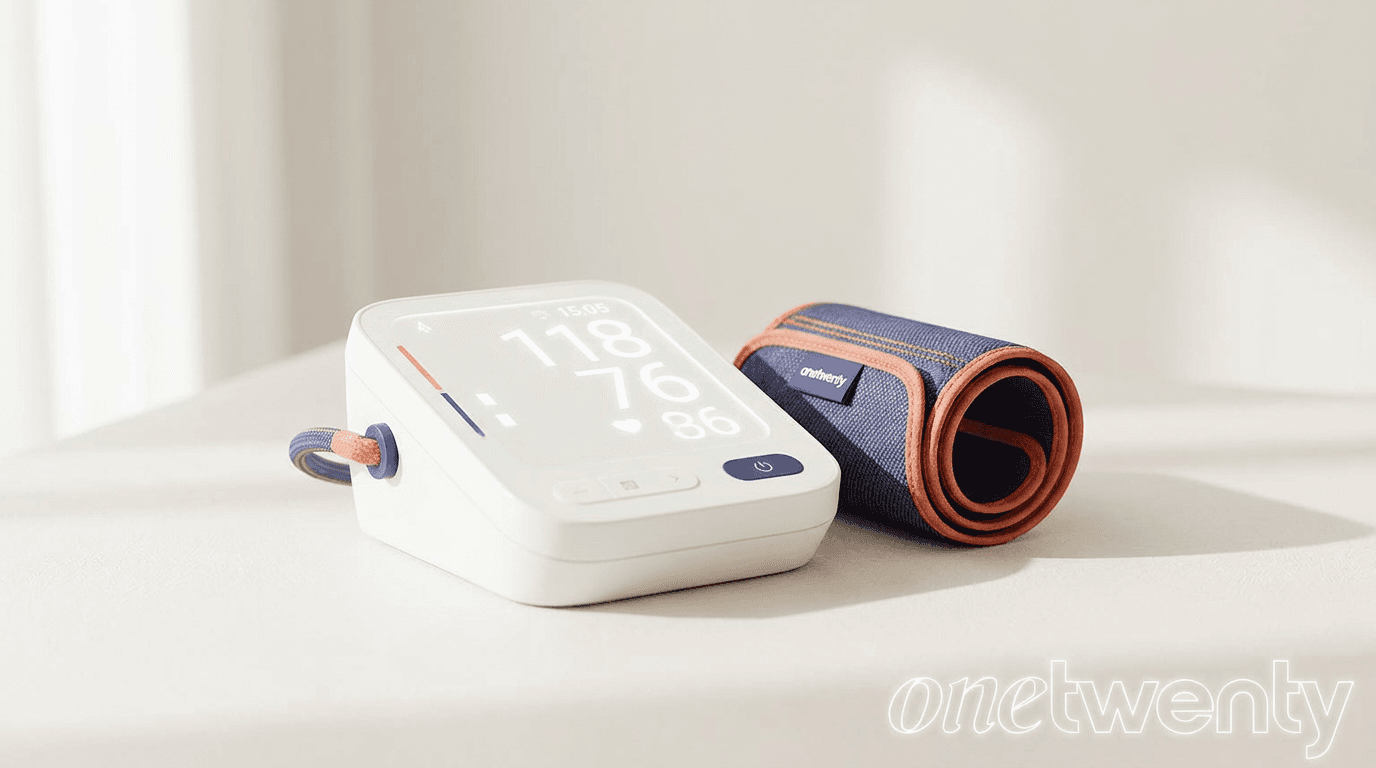
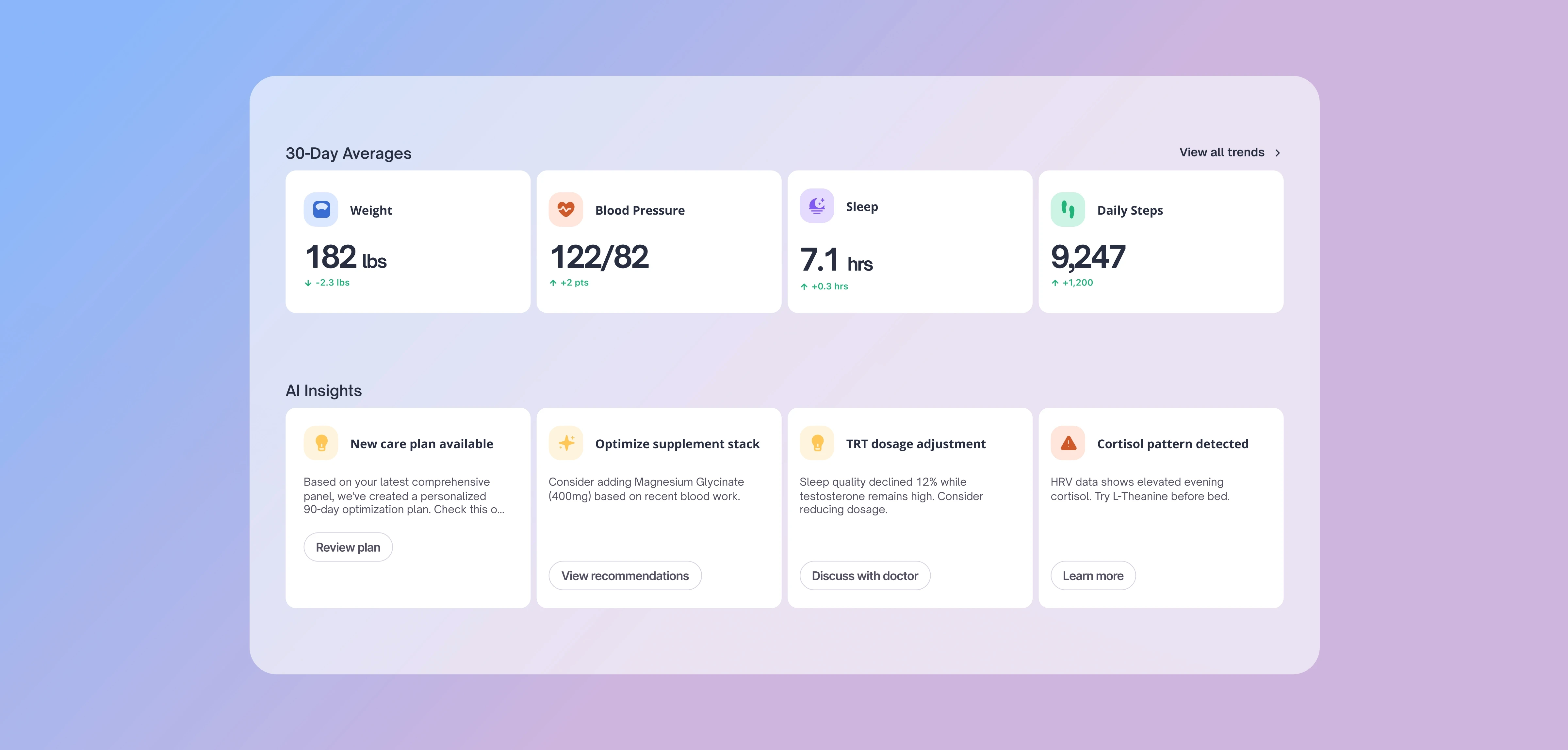
OneTwenty pulls your wearables, scale, blood pressure, and blood panels into a single health profile, then turns the combined picture into trends and insights.
The devices below feed the wearables side of that picture.
Before you buy
Two ways a device syncs.
Every pick below is labeled with exactly one of these, so you know what you are getting.
Straight into OneTwenty
Connects to your OneTwenty dashboard in the background. No phone required, the data simply shows up on its own.
Through your phone
Reaches OneTwenty only by way of your phone's health app, Apple Health on iPhone or Google Fit on Android, with that app installed and syncing. Without it, you enter readings by hand.
The picks
An option at every budget.
Fitbit
From about $100
Best for: an easy, low-cost entry point
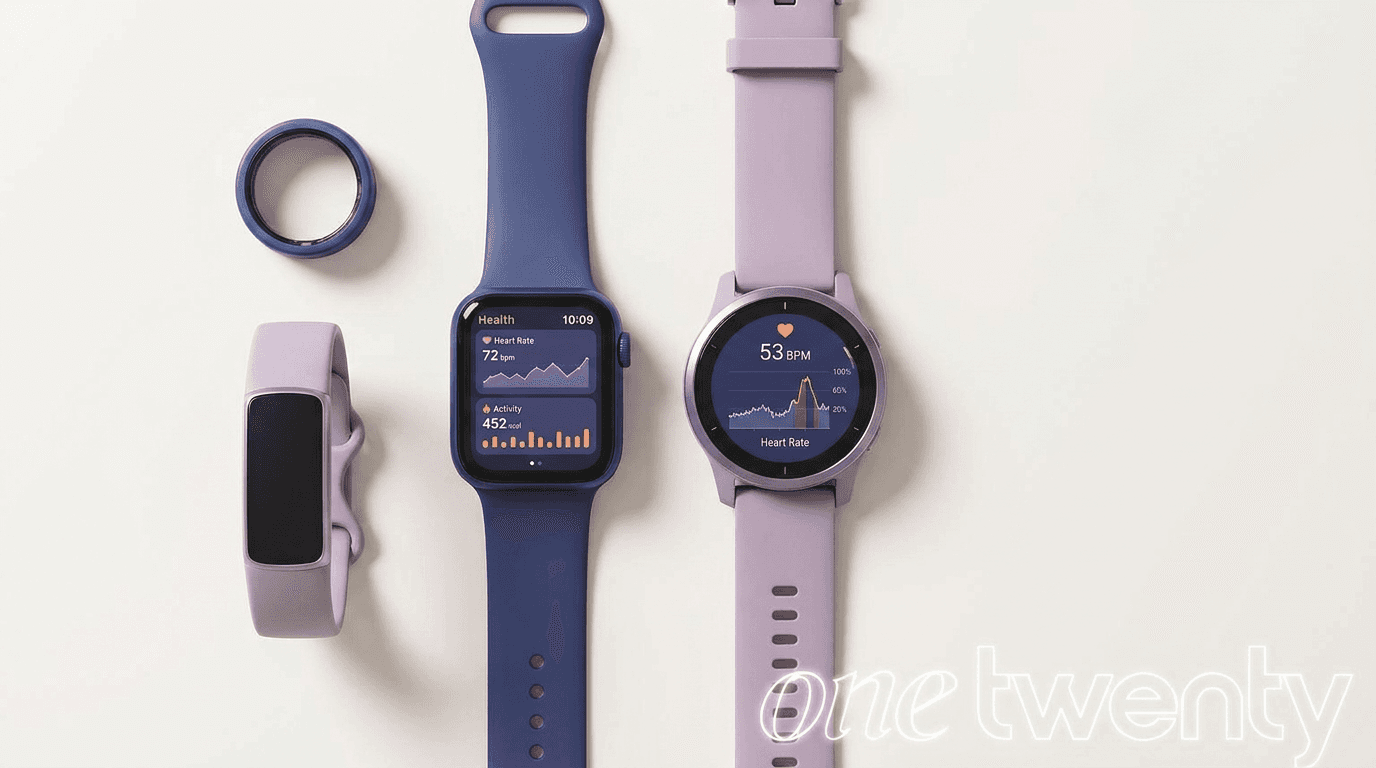
The simplest way to start. Fitbit covers the fundamentals well, with solid heart rate, sleep, and activity tracking, and it syncs straight into your OneTwenty dashboard. If you have never worn a tracker, this is the lowest-friction place to begin.
Apple Watch or Galaxy Watch
Apple Watch from about $399, Galaxy Watch from about $300
Best for: people already living in one phone ecosystem
The mainstream smartwatch for each phone. Pick the Apple Watch if you carry an iPhone, the Galaxy Watch if you are on Android. Both track activity, heart rate, and sleep well. The one caveat: their data reaches OneTwenty through your phone, not directly. The Apple Watch needs an iPhone with Apple Health, and the Galaxy Watch needs Android with Google Fit.
Oura Ring
From $349, up to $499 for premium finishes, plus $5.99 per month
Best for: the most complete sleep and recovery picture
The best overall for sleep, HRV, temperature, and readiness, in a ring you forget you are wearing. It syncs directly to OneTwenty. The tradeoff is a $5.99 monthly membership on top of the hardware, which is the price of the depth it delivers.
Works with OneTwenty
Every compatible device.
Beyond the picks above, OneTwenty connects with a wide range of devices. Direct sync devices need no phone. Bridge only devices reach OneTwenty through Apple Health or Google Fit.
Almost any wearable that writes to Apple Health on iPhone or Google Fit on Android connects through the bridge, the Apple Watch and Samsung Galaxy Watch included. If your tracker already syncs to either app, its data reaches OneTwenty through your phone.
Get it right
How to get accurate readings.
- Wear it consistently, including overnight. Sleep and HRV are where a wearable earns its keep, and both happen while you are asleep.
- Keep the fit snug but comfortable. A loose band or ring corrupts heart rate and HRV. It should not slide around.
- Charge on a fixed schedule. Top it up during a daily routine like a morning shower, so it is rarely off your body during sleep.
- Give it two to three weeks before trusting trends. Your personal baseline needs time to settle before the numbers mean much.
- Watch the weekly and monthly trend, not single-day spikes. One odd night is noise. The direction over weeks is the signal.
Common questions
Wearables and OneTwenty.
Do I need a OneTwenty membership to use a wearable?
No, the device works on its own. But it is far more useful with a membership, where the data is unified with your labs, tracked over time, and turned into trends and insights.
Will my wearable sync to OneTwenty automatically?
It depends on the device. Anything marked Direct sync, like Fitbit and Oura, connects on its own. The Apple Watch and Galaxy Watch are Bridge only, so their data flows in through your phone.
I use an Android phone. Which should I pick?
Fitbit and Oura sync directly no matter which phone you carry. The Galaxy Watch reaches OneTwenty through Google Fit on Android. We do not connect through Samsung Health.
Is there a monthly fee?
Most of these are a one-time purchase. The Oura Ring is the exception, adding a $5.99 monthly membership on top of the hardware.
The bottom line
What to pick.
For most members, default to the Oura Ring: it gives the most complete sleep and recovery picture and syncs on its own. Want the budget entry point? Go with Fitbit. And if you are already committed to the Apple or Android ecosystem and are fine with data flowing through your phone, the Apple Watch or Galaxy Watch fits right in.
Fact Checked
Dr. Mohammed A. Fouda, MD
Dr. Fouda is a Neurosurgery research scholar. His work focus primarily on Brain tumor behavior and quality of life of cancer patients as well as biomedical engineering and medical device innovation.
How OneTwenty Works
Not your average
Checkup.
Every life stage brings new biological demands. Tracking the right metrics at the right time helps you adapt, optimize performance, and extend both lifespan and healthspan.
Your Annual Physical
Manual Data Processing
Guesswork Trend Detection
Once-a-year physical
Reactive, tested when sick
No data between visits
Once a year testing
Delayed Results
One-size dosing, set and forget
Real-Time Trend Insights
Daily smart-device data
Automated Data Sync
Quarterly Biomarker Tests
Optimal, personalized targets
Plain-language AI insights
Medications titrated to your data
Built to extend healthspan

Frequently Asked Questions
Clarity before
you commit
Answers on setup, scale, and support to remove blockers.